DESKPOP LOAD PRO / A SIMIAN TACTICAL JOINT
Big nerd energy. Less bench chaos.
The reference library, personal journal, and match-day organizer for people with very specific interests—and far too many tabs open.
DeskPOP puts catalogs, source-linked histories, session notes, match records, and equipment checklists into one app. Browse on your Windows computer or take it along on Android. Pick a theme that feels like yours, keep your personal records locally, and export backups when it is time to move devices.
A place for every part of your organized chaos
- Searchable reference catalogs. Browse cartridge and bullet records, search by name, save favorites, and give entries memorable nicknames.
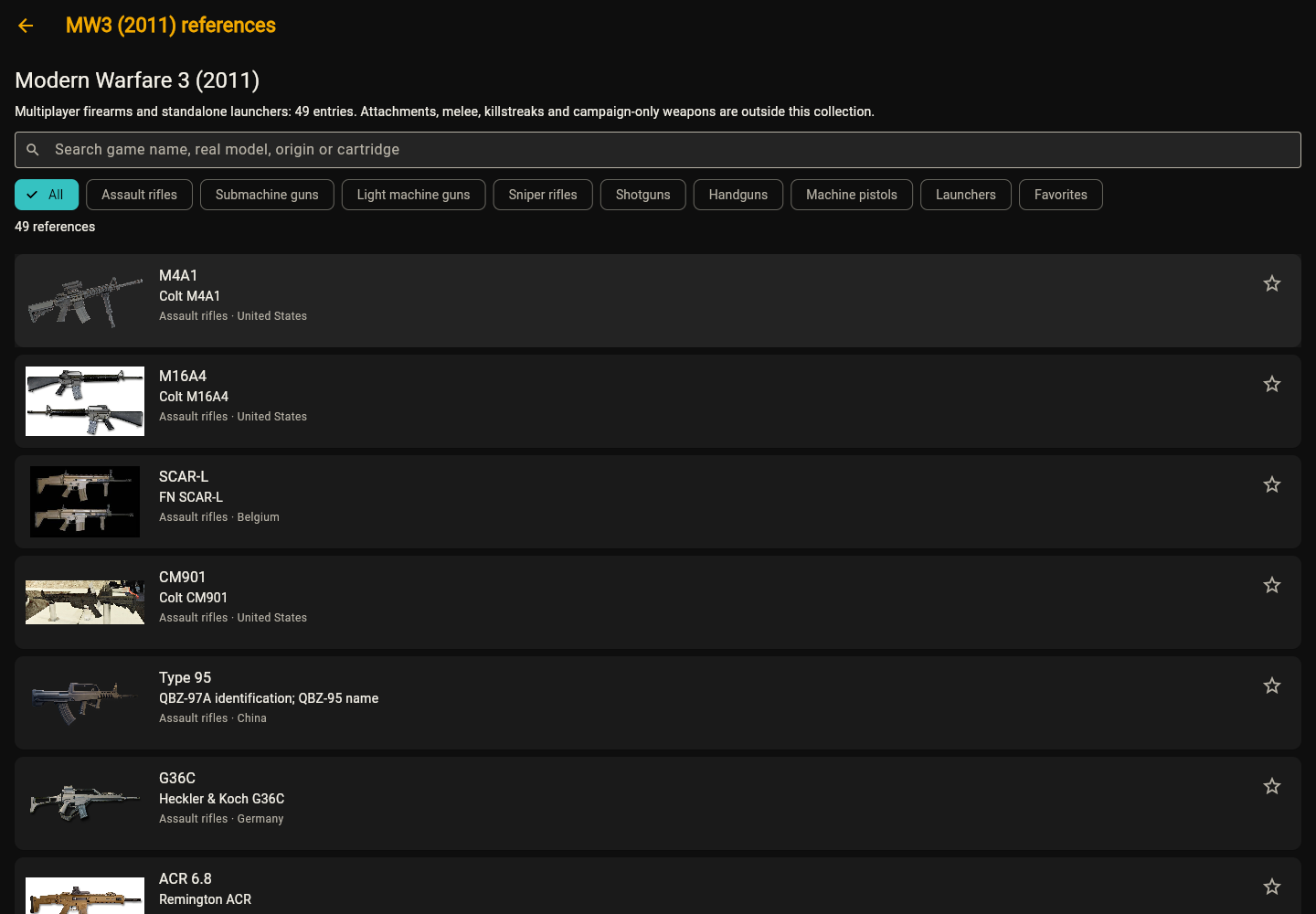
- MW3 (2011) histories. Explore 49 firearm and launcher reference entries with real-world identities, original histories, and source links.
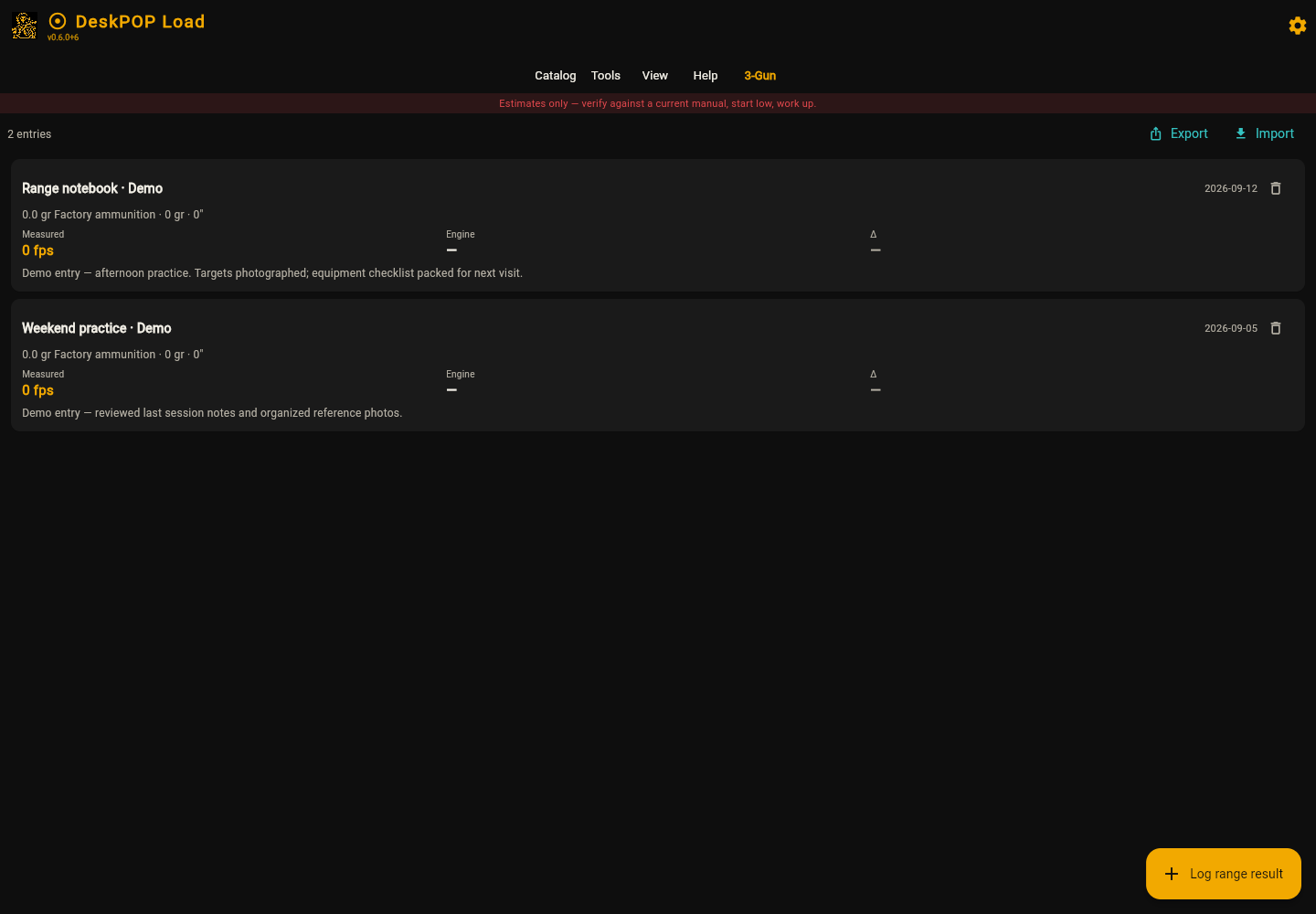
- A personal journal. Keep session notes and reference photos with your own records, instead of scattering them across folders.
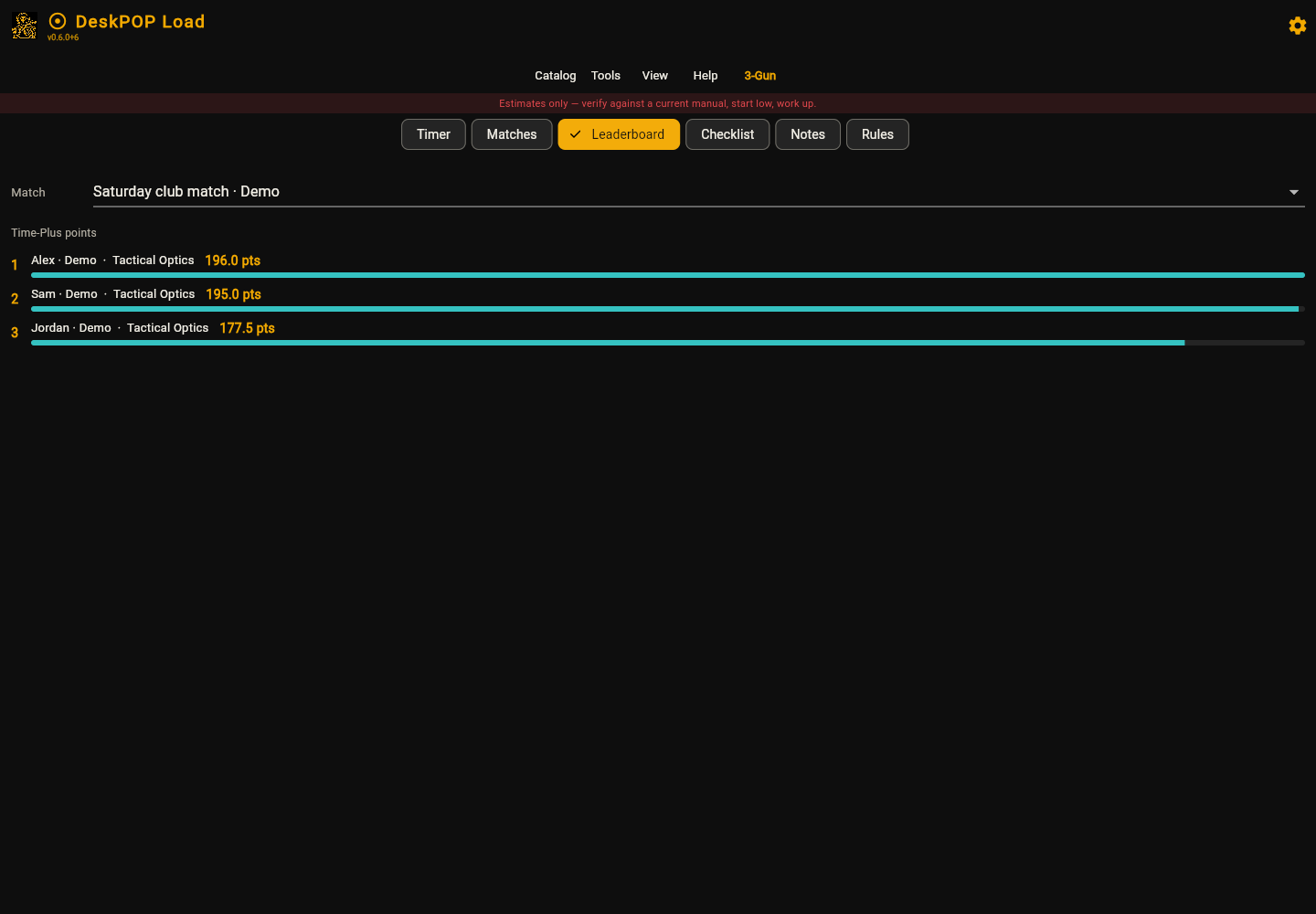
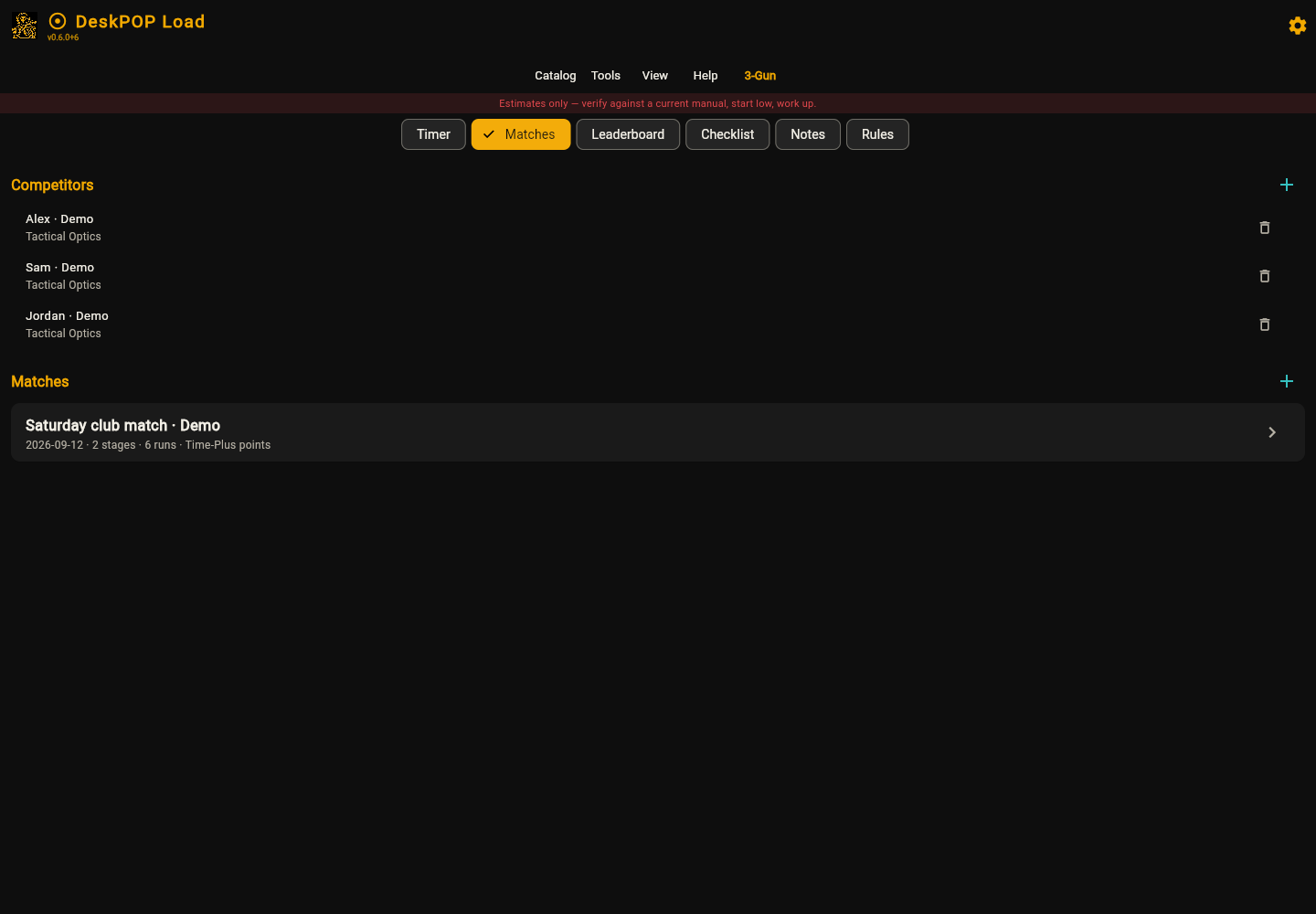
- Match organization. Keep 3-Gun matches, stages, and runs together; review stage points and leaderboard standings.
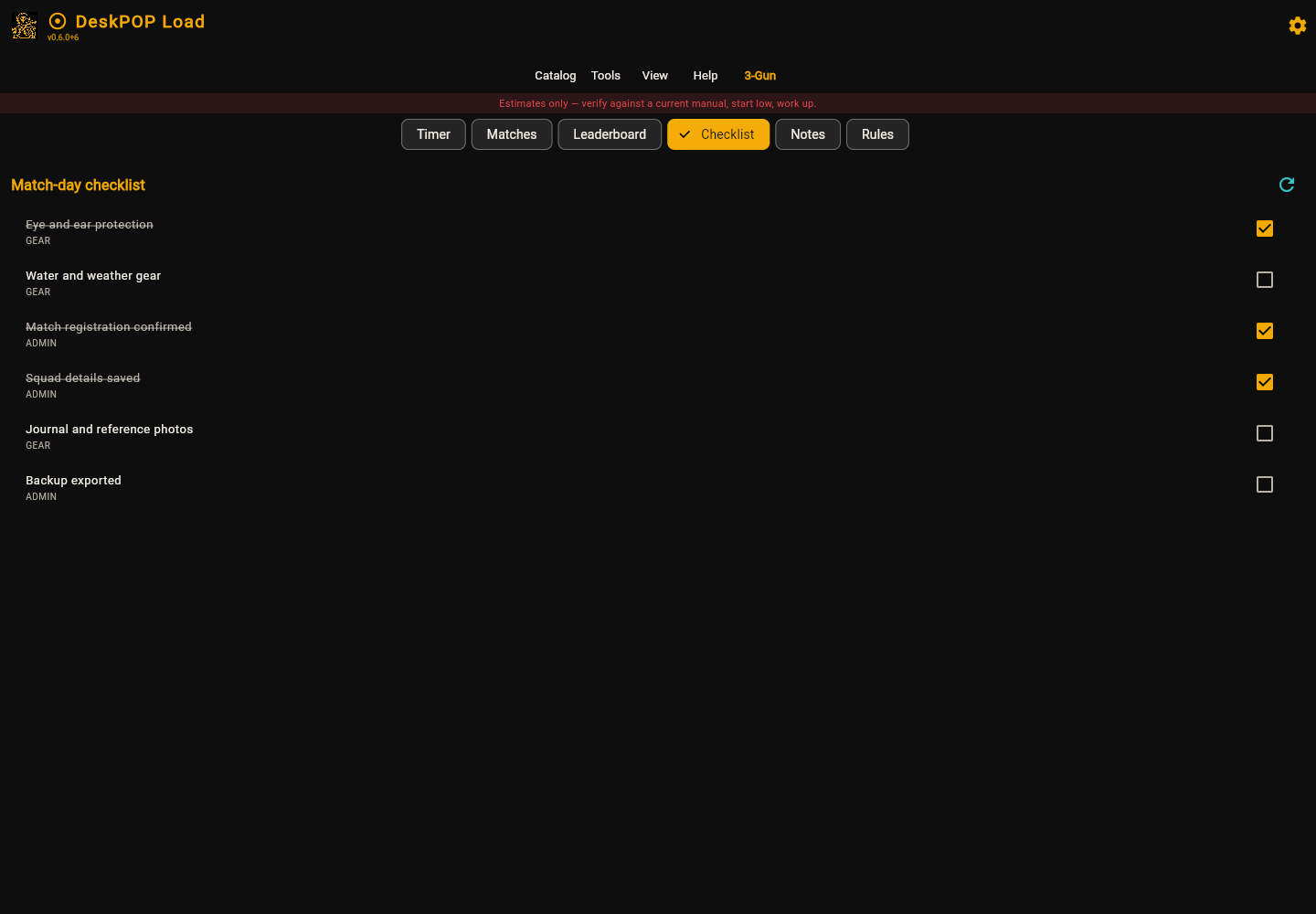
- Gear checklists. Put your equipment list where you can find it and check items off.
- Local backups. Export backups from Tools so your records have a route off the device.
- 16 app themes. Choose a palette that suits you, from teal to a terminal-inspired look.
The included library has 88 cartridge and family records, 49 MW3 reference entries, and 45 credited MW3 media files. These are reference resources, with image variants and known gaps identified in the app.
Match-day records without the clipboard pile
Create a place for your matches, stages, and runs, then review the results together. The match tools and leaderboard give those records a readable home, whether you are keeping track of a demo match or documenting your own sessions.
Your notes deserve better than a mystery screenshot
The journal brings personal session notes and reference photos into the app. Keep context alongside your records so you can return to what mattered later. Journal data is stored locally on the device.
Pack it. Check it. Keep the list.
Use the checklist to organize equipment and keep a visible record of what you have checked. Your personal checklist stays with your local app data.
The familiar faces, with the backstory
The independent MW3 (2011) reference section connects recognizable entries to their real-world identities and histories. Source links and media credits help you follow up on what you are reading. This is an independent reference app, with no affiliation to Call of Duty or its publishers.
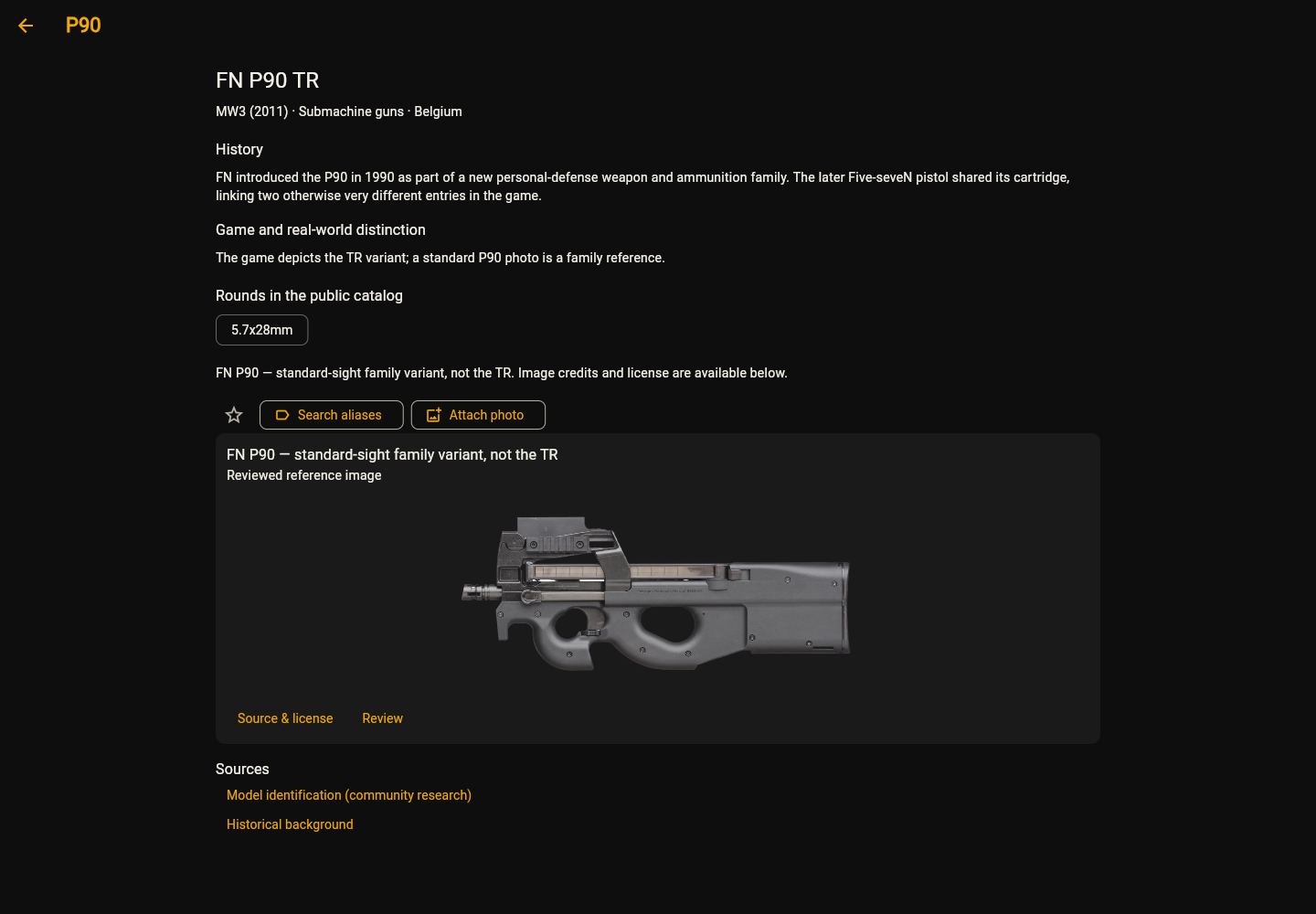
A searchable reference library
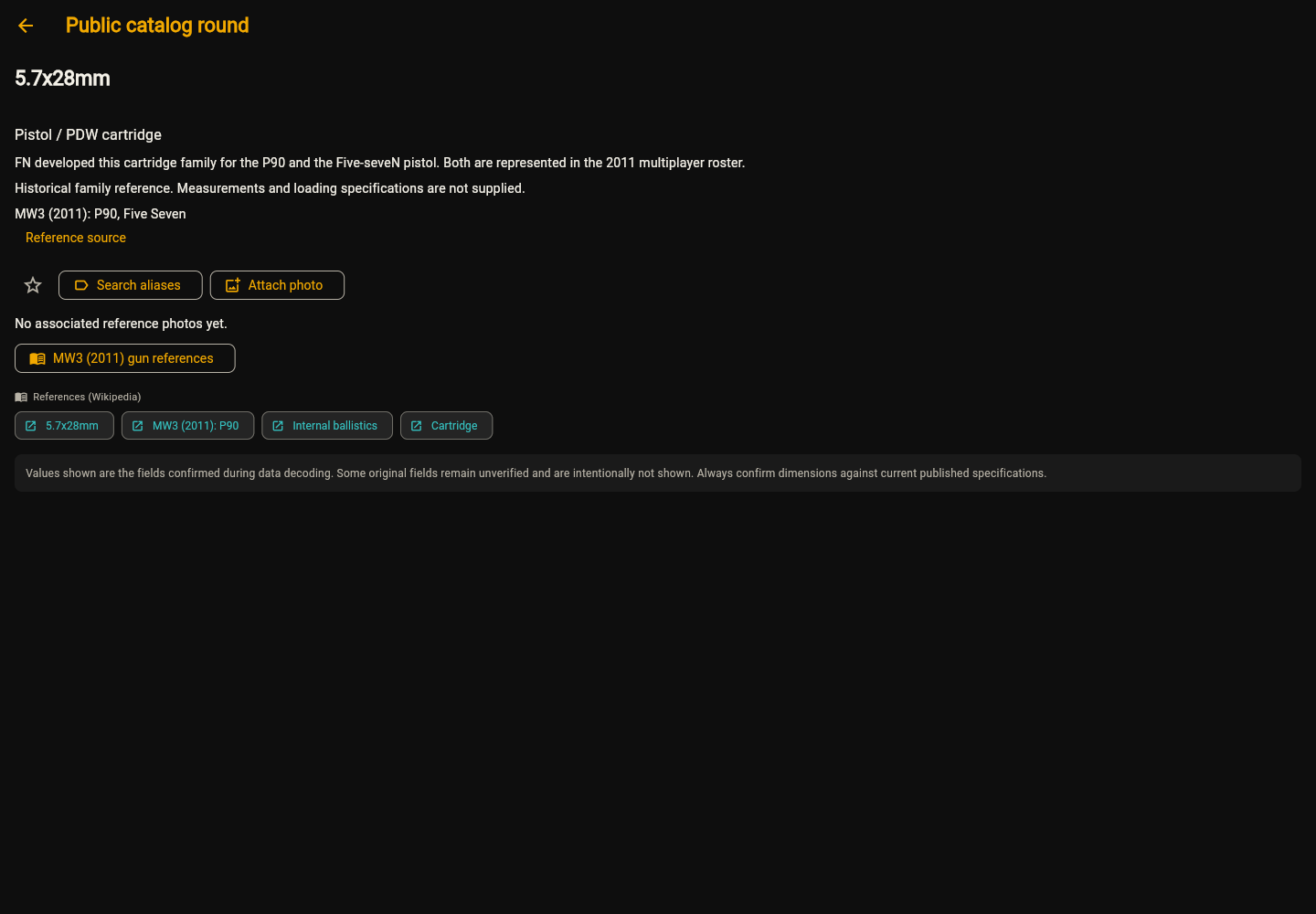
Explore the included open and GRT reference catalogs, then use search, favorites, and nicknames to make frequently used entries easier to find. Descriptive family entries are marked as references; unverified measurements are left empty.
What you download
| Windows | DeskPOP Load 0.6.2 · Windows 64-bit ZIP |
|---|---|
| Android | DeskPOP Load 0.6.2 · Android APK |
| License | Three device seats; offline use after activation |
| Personal data | Stored locally; no account-based cloud sync |
| Delivery | Your WordPress software account holds your license and downloads |
This purchase supplies the Windows and Android editions. A Windows download is a 64-bit archive; the Android download is an APK, rather than a Play Store installation. macOS and iOS downloads are not included.
From purchase to first launch
- Purchase DeskPOP Load Pro here. Use the store’s checkout, then open your DeskPOP software account for your key and downloads.
- Choose your platform. On Windows, download the ZIP, extract the archive, and open the included application. On Android, download and install the APK; your device may ask you to allow installation from the browser or file manager.
- Activate your copy. In DeskPOP, open Help → License & account, enter your key, and activate.
- Make it yours. Explore the catalogs, choose a theme, and start your journal, match records, or equipment checklist.
- Make a backup. Export from Tools regularly, and before reinstalling the app or changing devices.
For a computer that cannot go online, copy its machine code from the license screen and request a support-issued offline certificate. When replacing a device, manage its activation in the License keys section of your account before activating the replacement.
A few things to know before you buy
Can I use it offline?
Yes, after activation. Your activated copy can work offline until any expiry assigned to its license. License status changes require contact with the activation service.
Will my Windows and Android records sync?
No account-based cloud sync is included. Personal records live on each device. Keep exported backups, especially before reinstalling or moving to another device.
Are all the reference images exact matches?
No. Related variants and illustrations are labeled. The credited media currently covers 46 entries using 45 files; FAD, PP90M1, and FMG9 have explicit image gaps. See the image credits and sources for attribution.
Does it include QuickLOAD data or official game content?
It does not include a licensed personal QuickLOAD dataset. No game artwork, sounds, or models are bundled. Call of Duty and Modern Warfare names belong to their respective owners.
Are its calculations validated loading instructions?
No. DeskPOP calculations are estimates, not loading authority or a safety certification. The app’s reference material and estimates do not replace current authoritative published references.
Purchase DeskPOP Load Pro using the store’s purchase controls on this page. Already own it? Open your key and downloads. Need a hand? Read the activation guide or contact JMS CNC.