
Big sounds. A little chaos.
Explore Silverback: screenshots, installation instructions, and the full user guide.
Hear an entire beat made with Silverback
Open the demo video in a new view.
Every sound in this original West Coast instrumental comes from Silverback: bass, sliding lead, chords, kick, snare, and hi-hats. Each part uses Silverback VST3 in Synth mode, with customized REV presets.
The drums are synthesized in Silverback too. This demo uses no General MIDI sound bank, external instruments, or sampled drum loops. Onerous handles the MIDI arrangement, stereo placement, mixing, and recording.
Explore the demo, screenshots, and full Silverback user guide.
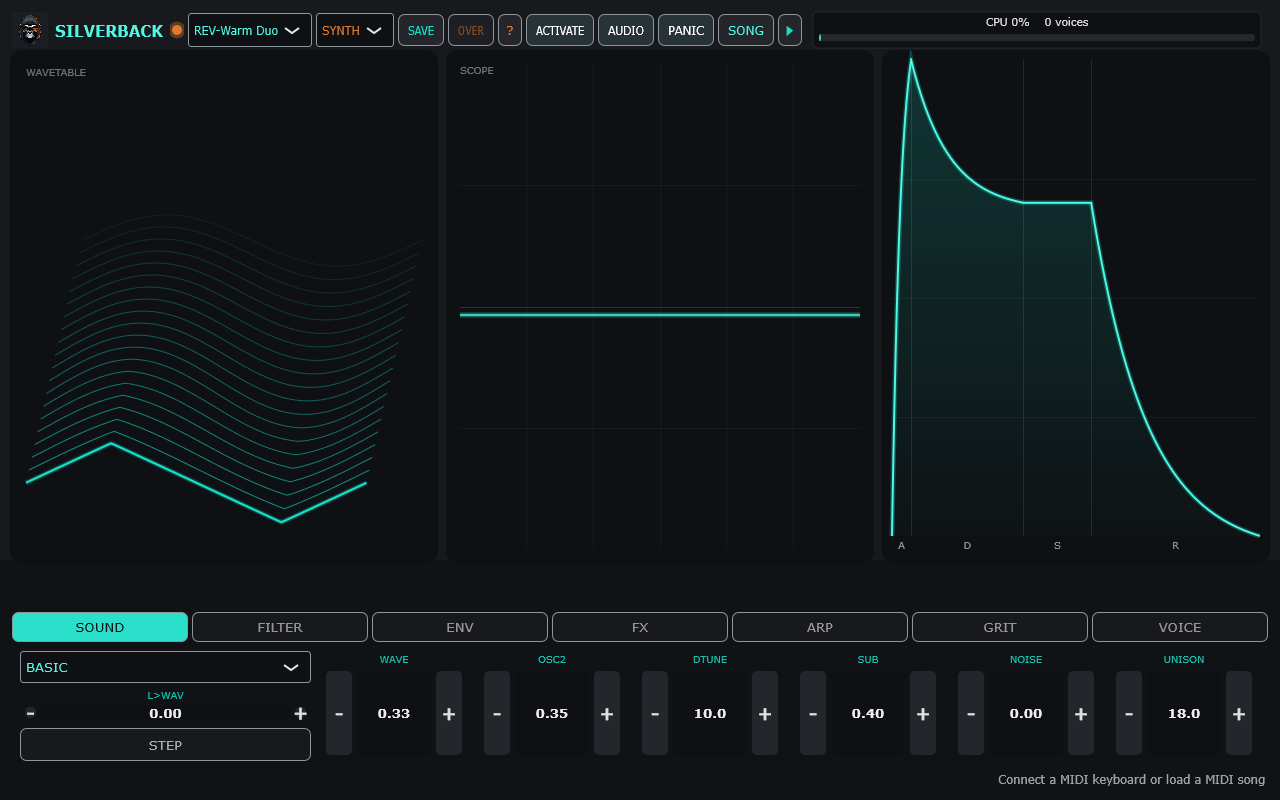
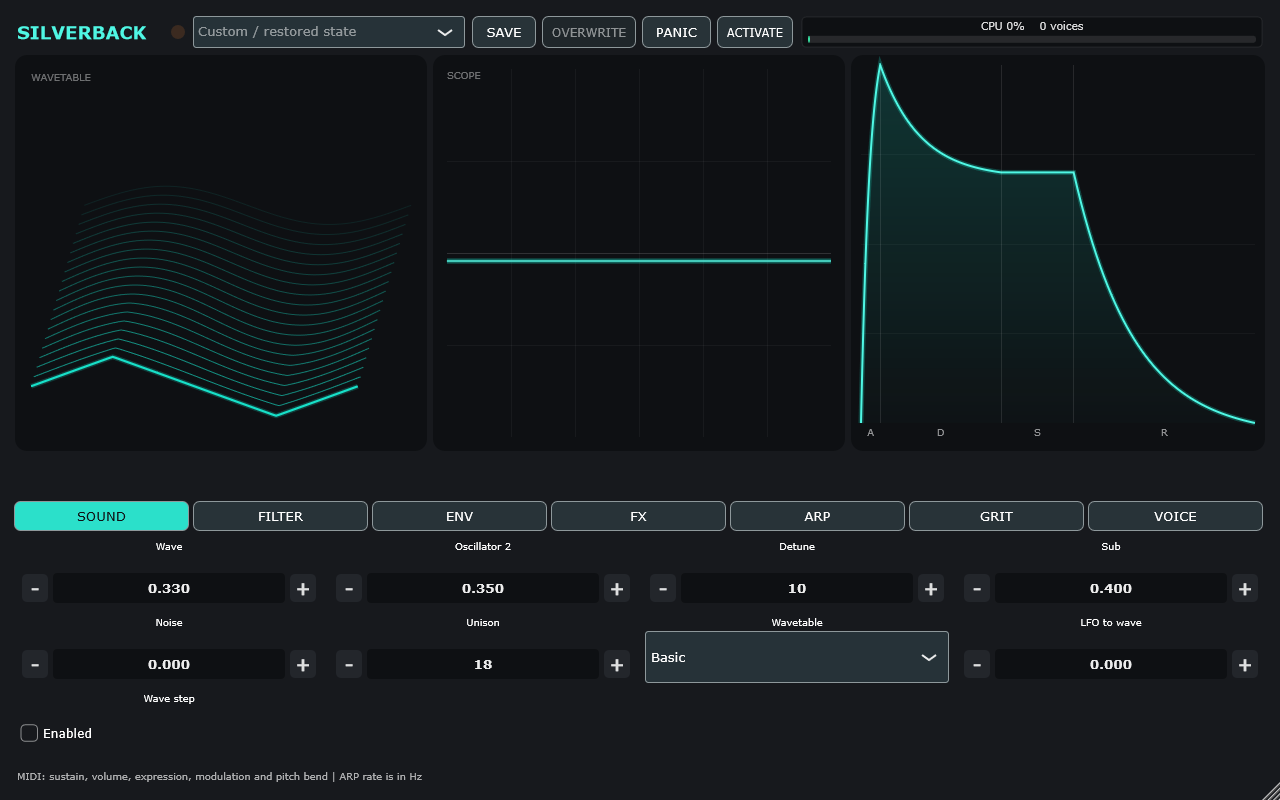
Silverback combines a 12-voice wavetable synth, sampled General MIDI instruments, and hands-on sound shaping in one Windows instrument. Play it as a standalone app or load the VST3 instrument in your DAW—both versions are included.
Shape your sound
- 331 factory presets and six wavetable banks.
- Dual oscillators, sub oscillator, noise, unison, glide, and Poly, Mono, or Legato playing.
- Six filter modes with amplitude, filter, pitch, and wavetable envelopes.
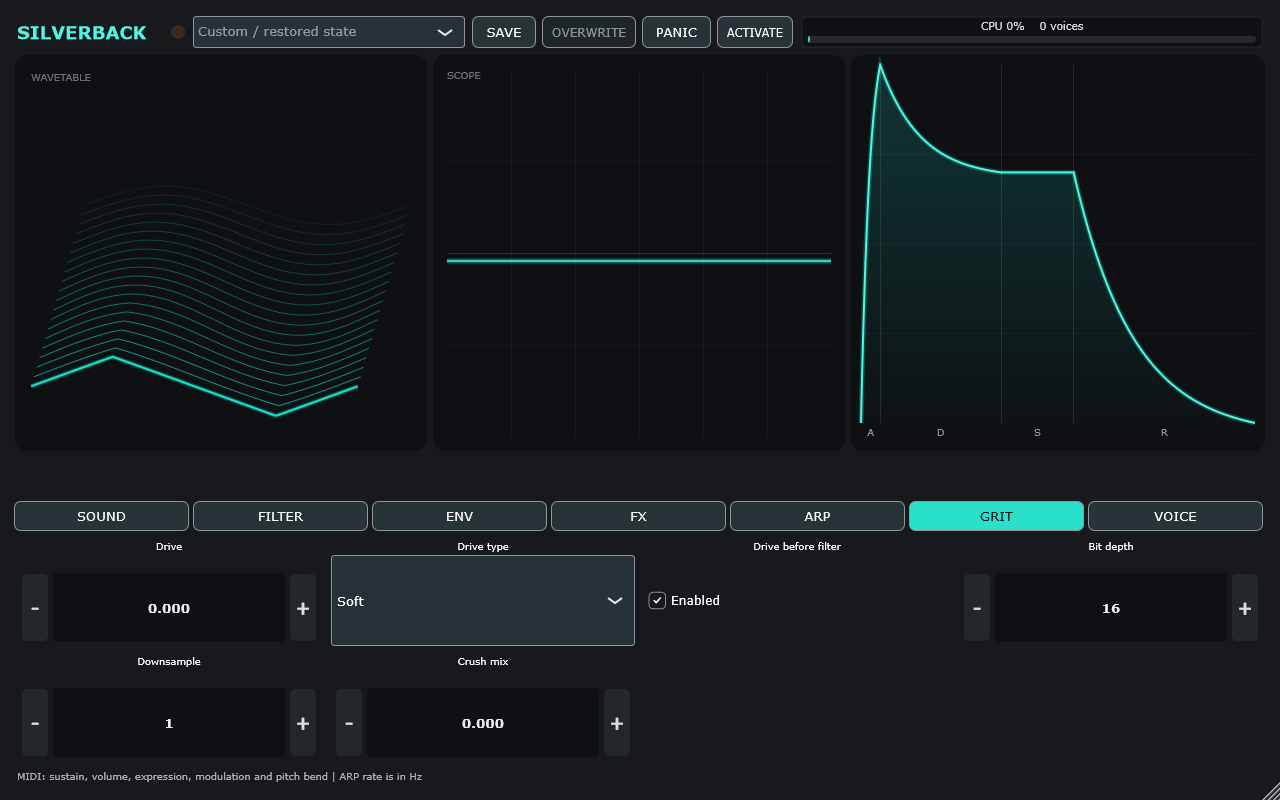
- Chorus, delay, reverb, five drive styles, and bitcrush.
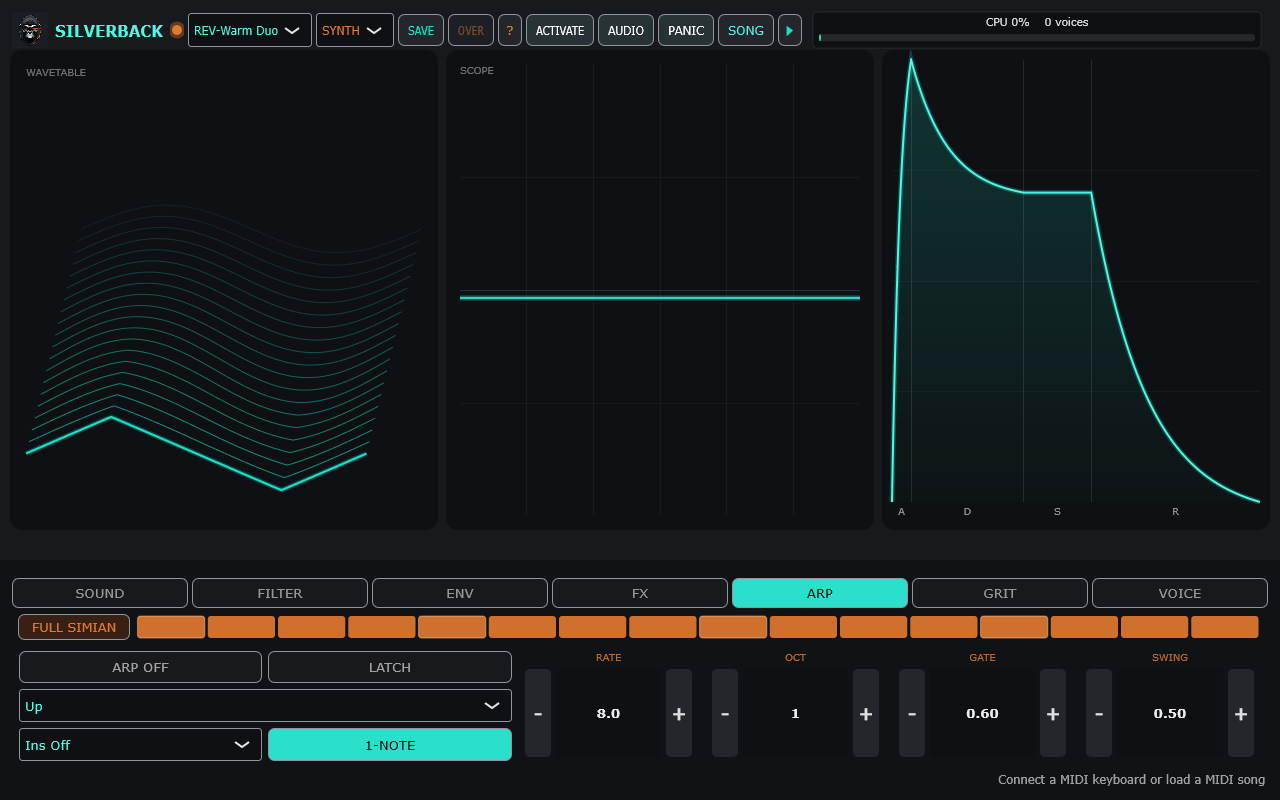
- Arpeggiator with five traversal modes, octave range, gate, latch, swing, and a 16-step on/rest pattern.
- Synth, GS Real, and GS Dirty engines, with the included GeneralUser GS sound bank and channel 10 drums.
Two ways to play
Standalone: select your audio device, connect a MIDI keyboard, or load Standard MIDI Files. Random, Mutate, Chaos, APE SHIT, and Full Simian controls make exploring sounds quick.
VST3: 50 automatable parameters and complete patch recall inside your DAW. Both versions share your saved user presets.
Included downloads
Windows x64 standalone app and VST3 instrument, sound bank, installation guide, changelog, and third-party notices.
License and requirements
One perpetual license for one computer covers both formats. Internet is required for the initial serial activation; activated software can then run offline indefinitely. Your purchase serial remains the same when you download again.
Requires 64-bit Windows. The plugin requires a VST3-compatible host and MIDI input. The standalone requires an audio output device and MIDI keyboard or MIDI file. There is no on-screen piano keyboard. The arpeggiator runs at a rate in Hz rather than syncing to DAW tempo. macOS, Linux, and Android downloads are not included.


