SIMIAN TACTICAL TOOLBOX · DIGITAL DOWNLOAD
Measure your system. Find the bands. Shape your EQ.
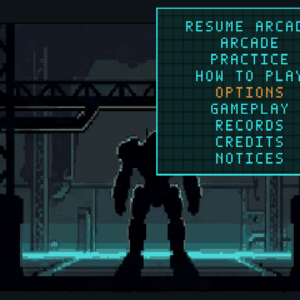
Simian Flatline is an Android real-time analyzer and EQ coach for car audio, home listening, DJ rigs, and small PA setups. Compare a live spectrum with a target curve, see suggested band adjustments, and export the result for your equalizer. Its compact terminal interface keeps the measurement in view.
$4.99 · One-time purchase · Android
See it in action
What you get
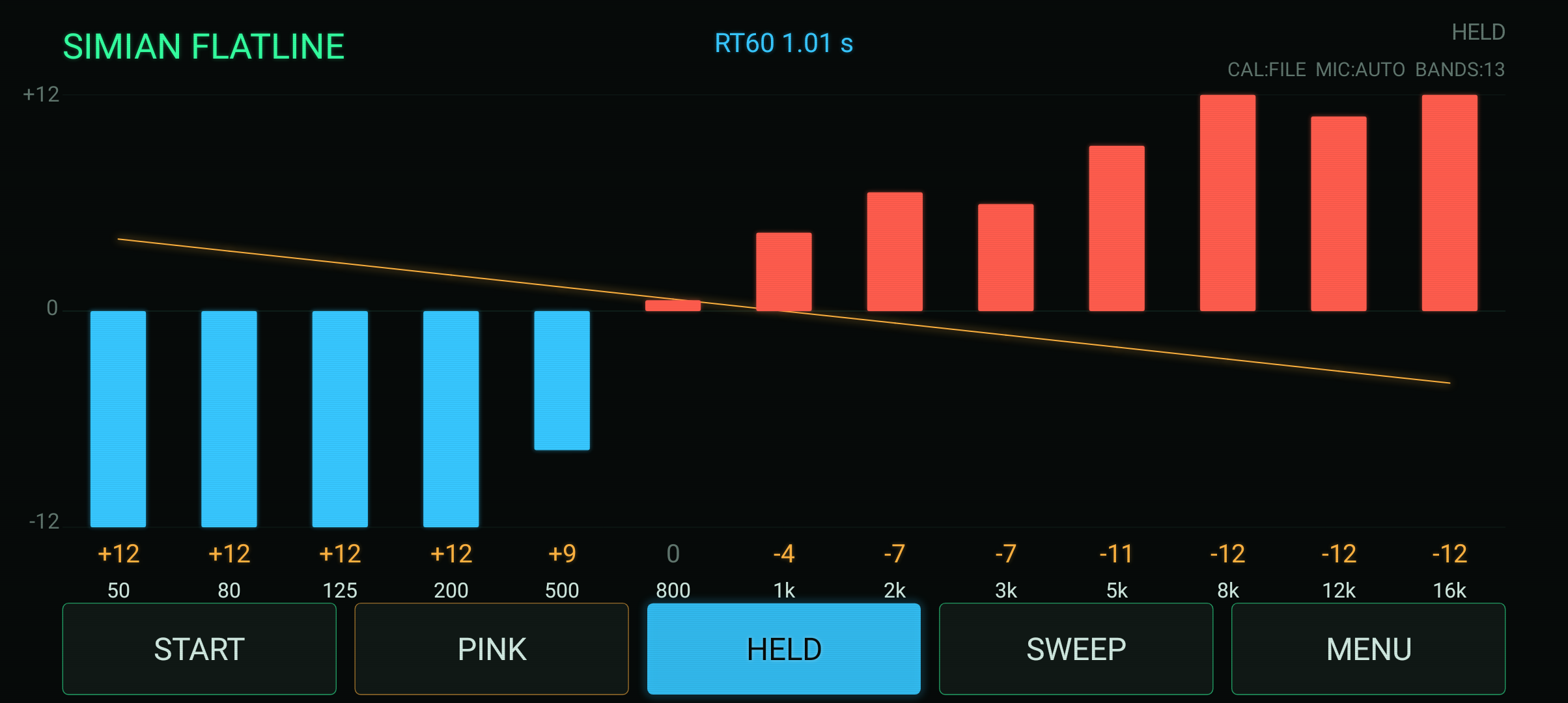
- Live RTA with red bands for cuts, blue bands for boosts, and a target curve.
- Built-in pink-noise generator to excite the system.
- Log sine sweep and estimated RT60 room-decay measurement.
- Suggested per-band EQ changes and export, including a miniDSP / parametric PEQ block.
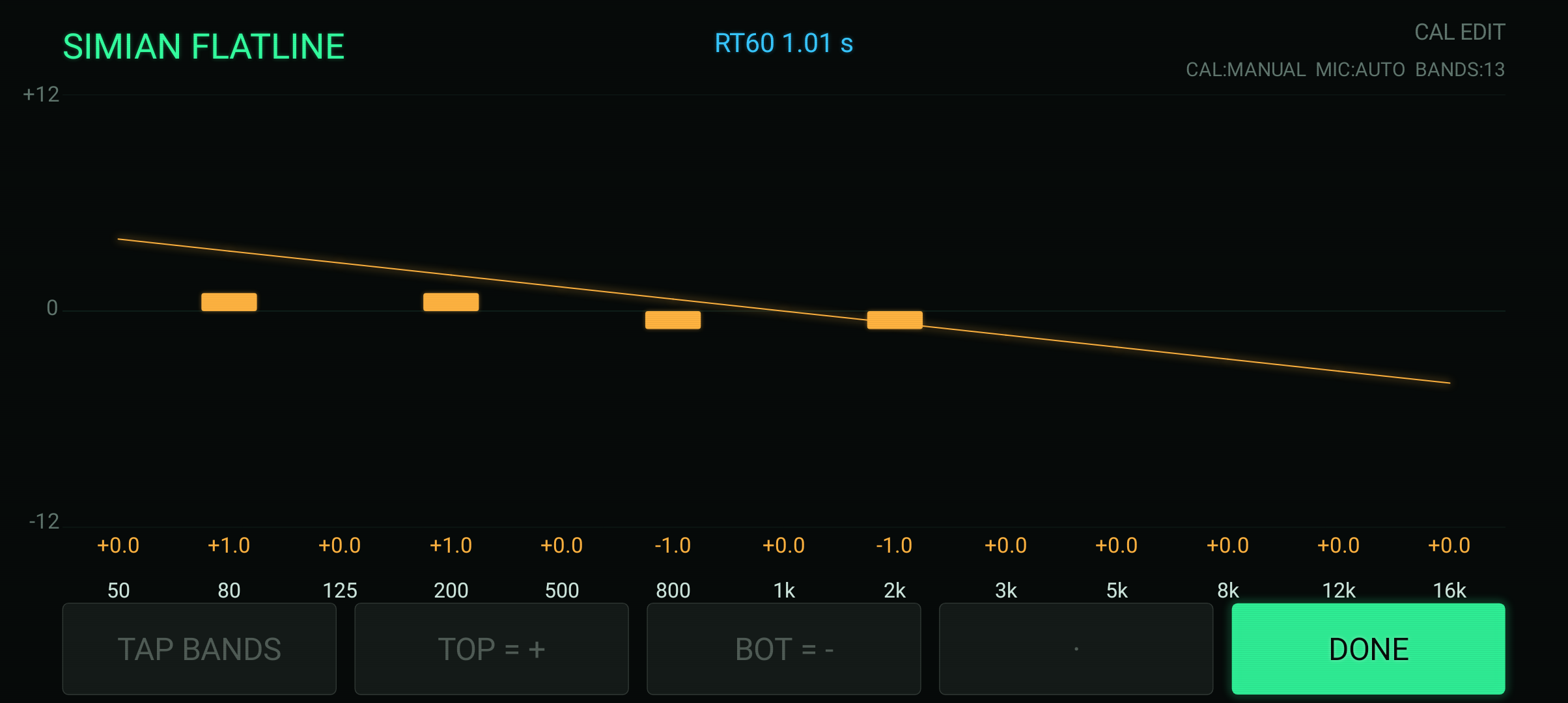
- AUTO correction, MANUAL per-band calibration, or FILE calibration using compatible UMIK-1, iMM-6, and REW files.
- Configurable band count and center frequencies, target tilt, smoothing, and mic source; a 13-band default.
Quick start
- Grant microphone access and select a suitable mic source.
- Set the band layout to match your equalizer and choose the target curve.
- Choose the calibration mode; import the correction file for your measurement microphone when available.
- Measure from your listening position using the source you want to tune. Pink noise helps reveal broad response differences.
- Make modest EQ changes, measure again, and compare several positions. Export the settings when you have a useful result.
Controls
START begins measurement. PINK provides test noise, HOLD freezes a reading, SWEEP runs the response/decay test, and MENU opens setup. Use the calibration controls and EXPORT for the corresponding workflows.
Requirements and connection
Android 8+; ARM64 or ARMv7; landscape. Microphone access is required. A calibrated external measurement mic can improve results where supported by the device.
Offline with no ads, tracking, accounts, or network permission.
Purchase, download, and install
- Add this product to your cart and complete checkout here on JMSCNC.
- After payment, use the download link on your order or visit My Account → Downloads. Keep your order details for support.
- On Android, extract a ZIP first if supplied, then open the APK. If Android requests permission, allow installation from the browser or file manager you are using and return to the installer.
- Open the app and grant only the permissions needed for the features you use. You can turn installation permission off again after installation.
The purchase is delivered by this WordPress / WooCommerce store. This is a downloadable application; no physical item ships.
Questions before you buy
Does it apply EQ to my speakers?
It measures and recommends settings. Apply the changes to your head unit, DSP, receiver, or other equalizer.
Can a phone replace a calibrated measurement system?
Results depend on the microphone, calibration, position, noise, and playback chain. Treat phone readings and RT60 values as hobbyist estimates.
Can I use my own mic calibration?
Choose FILE and load a compatible calibration file, or use MANUAL to adjust bands.
Need help?
Visit Contact with your order number, app name, device model, Android or Windows version, and a description of the problem. For updates, check the files available on your order.