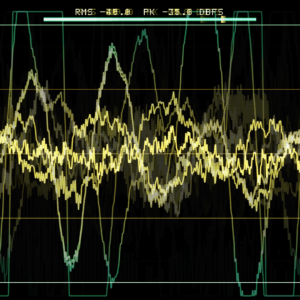
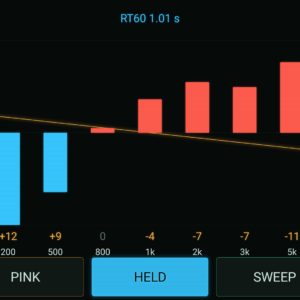
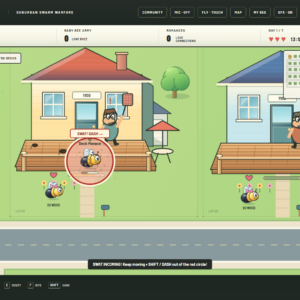
SIMIAN TACTICAL TOOLBOX · DIGITAL DOWNLOAD
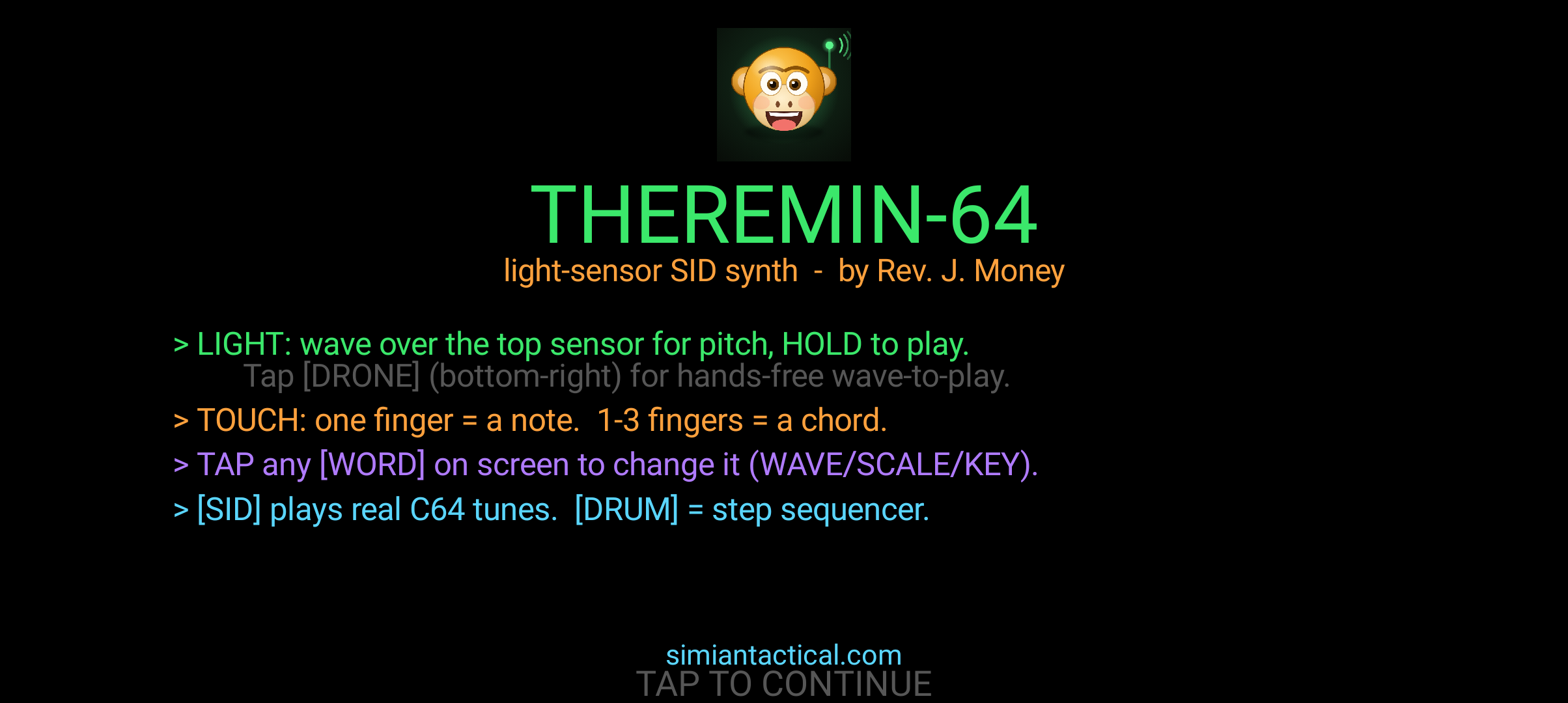
Wave at the light. Touch the screen. Make something strange.
Light Theremin-64 turns an Android phone into a playable SID-inspired instrument. Shape notes by touch, use changing light as a pitch controller, build a drone, or explore step drums and SID playback. Three synthesizer voices give it the layered character of a tiny chiptune performance rig.
$9.99 · One-time purchase · Android
See it in action
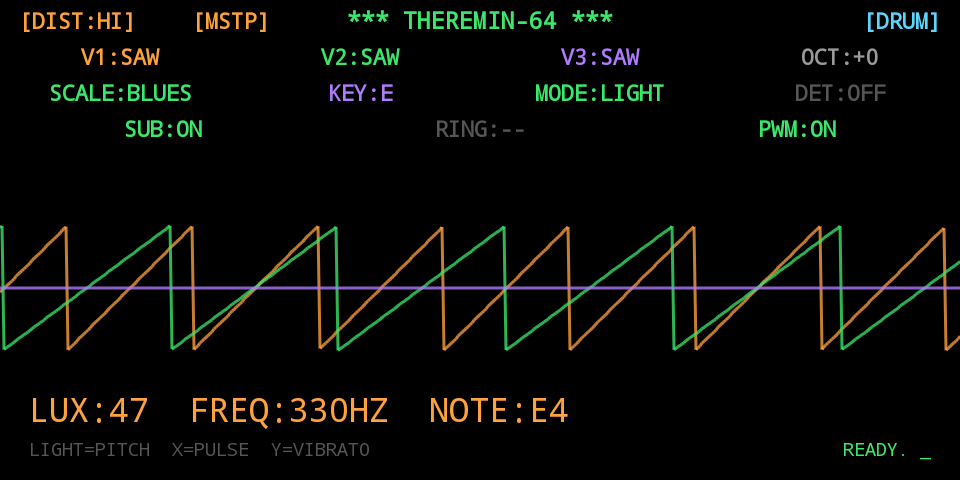
What you get
- Three voices with sine, triangle, saw, pulse, and noise waves; sub, pulse-width modulation, ring modulation, and distortion.
- Touch performance: horizontal position changes pitch and vertical position adds vibrato; two or three fingers make chords.
- Light-controlled pitch using the phone’s ambient-light sensor, with touch fallback when the sensor is unavailable.
- DRONE mode for sustained hands-free experiments.
- Ten quantized scales, twelve keys, and tappable WAVE, SCALE, KEY, and OCT controls.
- Clean-room SID player for your own .sid files, plus two original tracks.
- SID-style step drums and optional CONCERTO phone synchronization over Wi-Fi.
Quick start
- Install the APK and start with touch mode in landscape.
- Choose WAVE, SCALE, KEY, and OCT; drag a finger horizontally for pitch and vertically for vibrato.
- Try two- or three-finger chords, then explore the three-voice settings and distortion.
- For light play, vary the light reaching the ambient sensor near the front of the phone. Hold a screen note or enable DRONE.
- Explore the drum sequencer or load a SID file. Use CONCERTO on a suitable Wi-Fi network when playing with other phones.
Controls
The main touch surface handles pitch and vibrato. WAVE, SCALE, KEY, and OCT choose the musical range. DRONE sustains a note. Voice controls, drums, the SID player, and CONCERTO extend the performance.
Requirements and connection
Android 5+ and a landscape touchscreen. Light mode depends on an accessible ambient-light sensor; the app falls back to touch control. Light input is from the sensor, not the camera.
The local instrument and bundled music can be used without an account. Optional CONCERTO synchronization uses networking and Wi-Fi permissions.
Purchase, download, and install
- Add this product to your cart and complete checkout here on JMSCNC.
- After payment, use the download link on your order or visit My Account → Downloads. Keep your order details for support.
- On Android, extract a ZIP first if supplied, then open the APK. If Android requests permission, allow installation from the browser or file manager you are using and return to the installer.
- Open the app and grant only the permissions needed for the features you use. You can turn installation permission off again after installation.
The purchase is delivered by this WordPress / WooCommerce store. This is a downloadable application; no physical item ships.
Questions before you buy
What if light control does not react?
Some phones do not expose a suitable light sensor. Use touch mode, and keep the sensor uncovered when testing light mode.
Is a camera required?
No. Light control uses the ambient-light sensor.
Can I play my own SID files?
Yes, the SID player accepts your own .sid files. The app also includes two original tracks.
Need help?
Visit Contact with your order number, app name, device model, Android or Windows version, and a description of the problem. For updates, check the files available on your order.